













18403✽
Have you figured out how to view your designs in windows,yet?
Comments (3)
18403✽
I'll try to keep it simple; first I have to figure out how to insert images here..
3 comments

you add a comment like you did here you will see tabs one says photo click on it then add pic just make sure you click upload before you submit
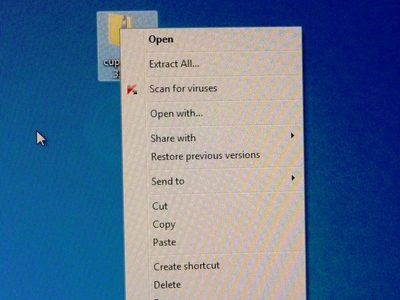
1.Right click - zipped file to extract images. Click- extract all. Files will be placed in a folder.
Thanks,Michele, finally got it sorted out;now, to figure out how to do the text above each photo..Anyone know how?
18403✽
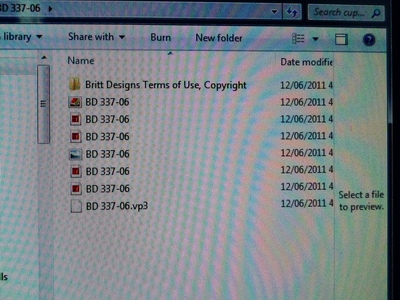
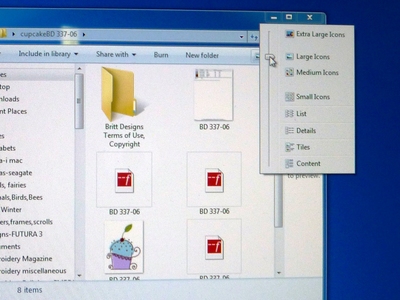
Right click - zipped file to extract images. Click- extract all. Files will be placed in a folder.<br />2. Left click folder, it opens in a window.<br />3. Look at top headings: next to new folder are the options for thumbnails. Use the the slider.<br />4. Choose large icons.<br />5. The image is shown in the window-cupcake at left.
2 comments

So this works if the is a jpg file along with the design.
That is correct;otherwise you need another software program or, your machine might come with one.

255066✽
I presume that these instructions are for Windows 7 and not for XP?
1 comment
These instructions work for Vista and windows 7; don't know about XP,sorry.